How to use
an atmx
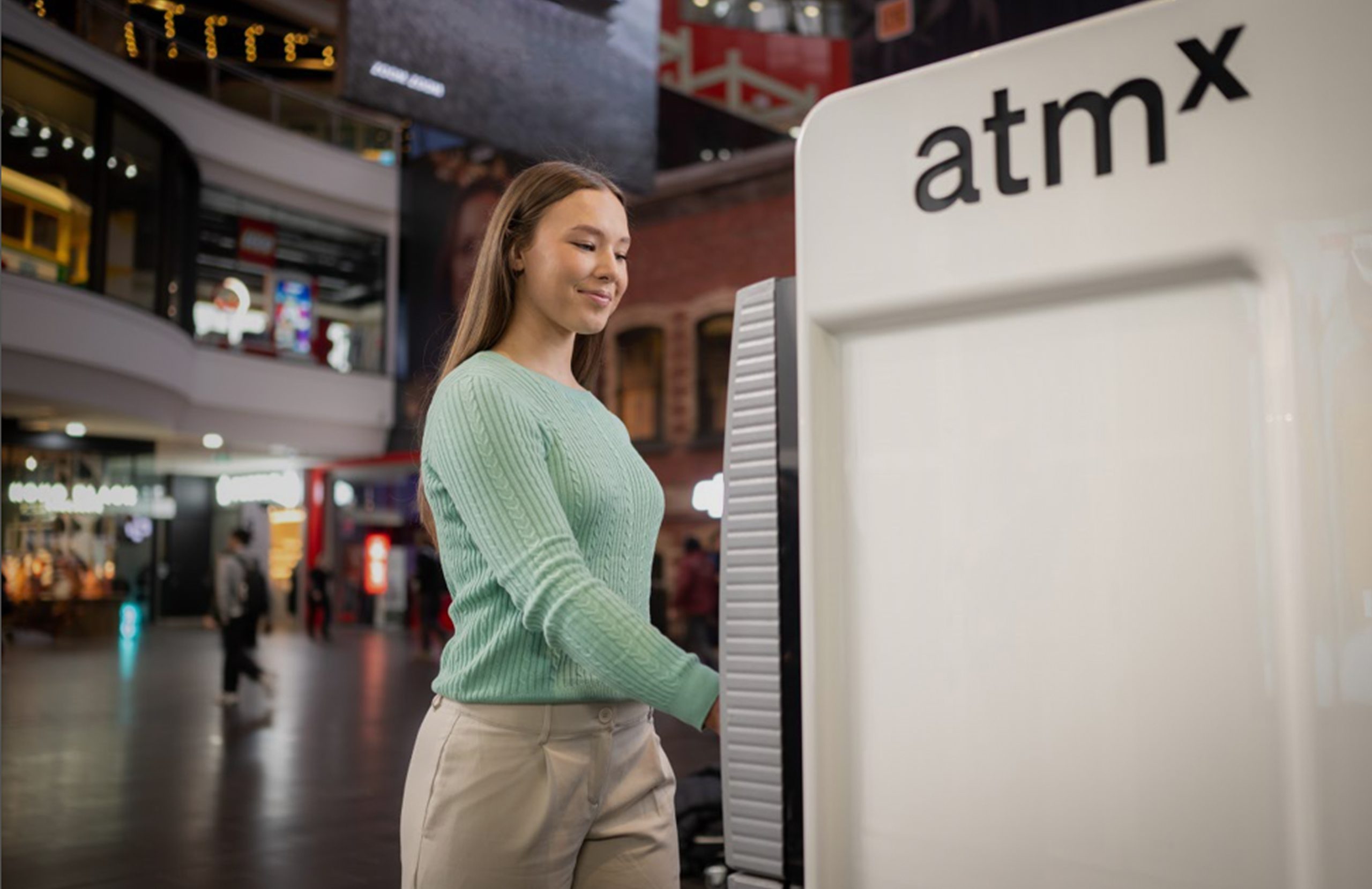
Everybody needs cash. That’s why atmx makes getting connected with your money a simple process.
More info
- + atmx Contactless supports Mastercard, Cirrus and Visa cards as well as supported digital wallets.
- + Contactless eftpos transactions are not currently supported. You may need to select Mastercard or Visa as your payment option.
- + Your card details are protected by your card’s security features and the secure digital wallet on your device.
- + If contactless isn’t available from your bank, simply insert your card and use the ATM as normal.
Contactless
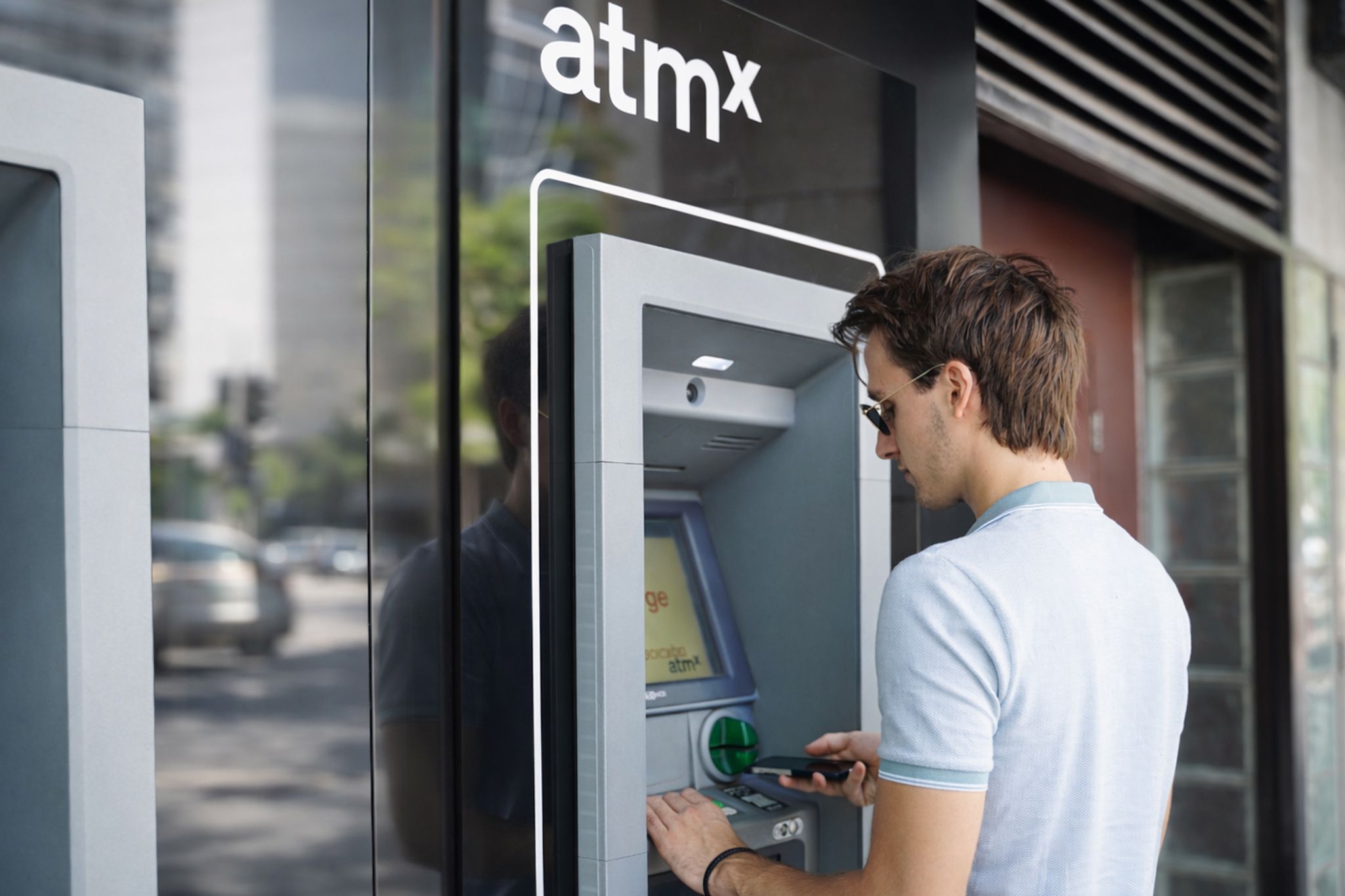
With atmx Contactless, you can access your cash quickly and securely using your contactless card or a supported digital wallet on your phone or smart watch.
Use the Find an atmx page to locate contactless-enabled atmx ATMs near you.
-
1
Look for the contactless symbol on the ATM.
-
2
If using a digital wallet, open it and select your card.
-
3
Authenticate on your device using Face ID, Touch ID/fingerprint or your device passcode.
-
4
Tap your device or card on the ATM’s contactless reader.
-
5
Enter your card PIN when prompted and follow the on-screen instructions to complete your transaction.
More info
- + atmx Contactless supports Mastercard, Cirrus and Visa cards as well as supported digital wallets.
- + Contactless eftpos transactions are not currently supported. You may need to select Mastercard or Visa as your payment option.
- + Your card details are protected by your card’s security features and the secure digital wallet on your device.
- + If contactless isn’t available from your bank, simply insert your card and use the ATM as normal.
Cash withdrawal
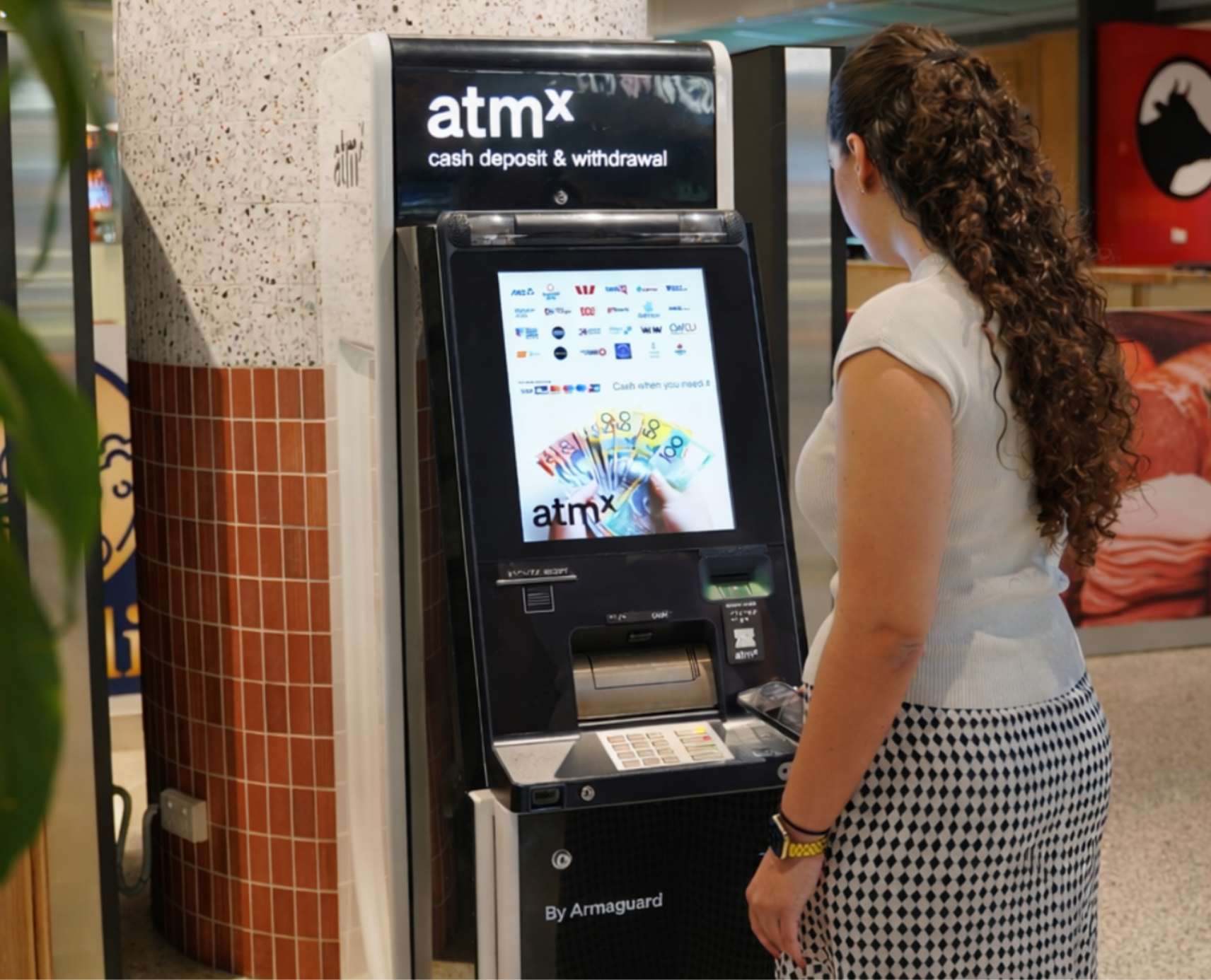
Cardholders of atmx partners can withdraw cash fee-free from any atmx ATM.
-
1
Insert your card and enter your pin
-
2
Choose “Cash Out” from the menu
-
3
Select from “Cheque”, “Savings” or “Credit” Account
-
4
Enter the amount you wish to withdraw. Select a preset amount on the screen or enter an amount using the keypad
-
5
Select the receipt type
More info
- + When you make a cash withdrawal for the first time, you will be asked if you would like to set the transaction as your favourite.
- + Tap “Yes” to save Cash Withdrawal as your favourite transaction.
- + Next time, simply choose ‘Favourite Transaction’ from the menu to withdraw cash instantly.
More info
- + When you make a cash withdrawal for the first time, you will be asked if you would like to set the transaction as your favourite.
- + Tap “Yes” to save Cash Withdrawal as your favourite transaction.
- + Next time, simply choose ‘Favourite Transaction’ from the menu to withdraw cash instantly.
More info
- + The deposit amount will be reflected in your account.
- + You can add more notes in another transaction, if needed.
- + The receipts will have a total for all deposits in that card or PIN session.
Cash deposit
atmx offers fee-free cash deposits for cardholders at any of our deposit partners.
Currently, Suncorp Bank, Transport Mutual Credit Union, Bank Orange, Horizon Bank, Police Bank and Border Bank cardholders can easily and securely deposit cash into their account at select deposit-enabled atmx devices.
-
1
Insert your card and enter your pin
-
2
Choose “Deposit” from the menu
-
3
Select the “Deposit Notes” option
-
4
Place your cash inside the gate
-
5
Press “Finish” to confirm deposit
More info
- + The deposit amount will be reflected in your account.
- + You can add more notes in another transaction, if needed.
- + The receipts will have a total for all deposits in that card or PIN session.
Do more with atmx
You can access these features at atmx devices that support these functionalities.

Get an e-receipt
Send a digital receipt via SMS, allowing you to easily monitor activity.

Change your PIN
atmx allows you change your PIN, ensuring transactions are safe and secure.

Transfer
Transfer funds between linked accounts on your card, to make a payment onto your loan, or credit card. To use this service, your accounts must be linked to your card. Contact your bank to link accounts.

Balance Enquiry
atmx lets you check your account balance quickly and securely, giving real-time account information without needing to visit a branch or log into mobile banking.

Favourite Transaction
You can save your preferred transaction like withdrawal amount, account type, and receipt setting for faster access next time. It is a quick and convenient way to personalise your ATM experience.

Language help
atmx offers a personalised experience with our diverse language options.